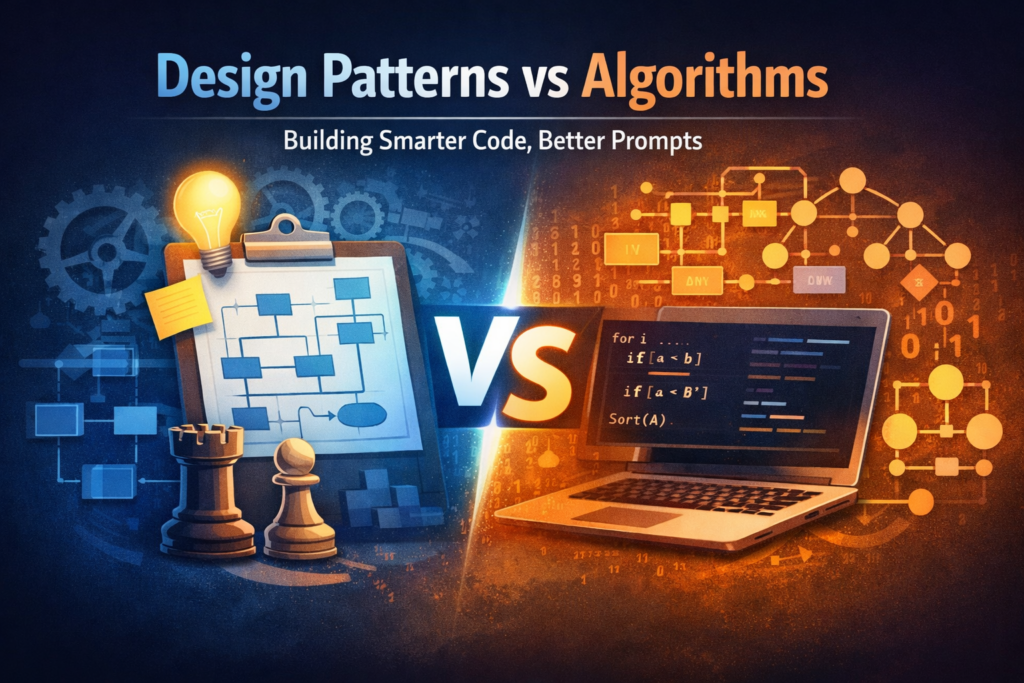
Most software engineers have likely heard about algorithms, and have used some to solve real problems — sorting a list, searching for an item, finding the shortest path, etc.
However, many engineers have little or no knowledge of design patterns, even though they unknowingly use some of them in their codebase every day (e.g. Singleton).
A deeper knowledge of design patterns helps you understand the foundational building blocks of scalable codebases — how code should be structured, how responsibilities should be separated, and how complexity can be controlled as the system grows.
Design patterns aren’t about being “fancy” — they’re about making code easier to maintain, scale, test, and extend without breaking existing behaviour.
Table of Contents
- What is a Design Pattern?
- What is an Algorithm?
- Design Patterns vs Algorithms (The Real Difference)
- Practical Comparison (Real Examples)
- Why You May Need to Implement a Design Pattern
- When to Use Design Patterns
- When Not to Use Design Patterns
- How Design Patterns Help With Better AI Prompts for Code Generation
- Conclusion
What is a Design Pattern?
A design pattern is a typical solution to a commonly occurring problem in software design.
Think of it like a blueprint you can reuse and customize — not copy-and-paste code, but a proven structure that helps you solve a recurring design problem in a clean way.
A pattern is not a specific piece of code. It’s a general approach that you implement differently depending on:
- your programming language
- your architecture
- your requirements
- performance constraints
Design patterns are commonly grouped into:
1) Creational Patterns
Focus on how objects are created.
- Factory Method
- Abstract Factory
- Builder
- Singleton
2) Structural Patterns
Focus on how objects/classes are composed to form larger structures.
- Adapter
- Decorator
- Facade
- Composite
- Proxy
3) Behavioural Patterns
Focus on communication and responsibility between objects.
- Strategy
- Observer
- Command
- State
- Chain of Responsibility
If algorithms help you solve a problem, design patterns help you design the system that solves problems repeatedly.
What is an Algorithm?
An algorithm is a step-by-step procedure for solving a specific computational problem.
It is usually:
- deterministic (clear steps)
- measurable (time/space complexity)
- repeatable
Examples of Algorithms
Some common types of algorithms include:
1) Searching Algorithms
- Linear Search
- Binary Search
2) Sorting Algorithms
- Bubble Sort
- Merge Sort
- Quick Sort
3) Graph Algorithms
- Dijkstra’s shortest path
- BFS / DFS
4) Dynamic Programming
- Knapsack problem
- Longest common subsequence
5) Greedy Algorithms
- Activity selection
- Minimum coins
Algorithms focus on how to compute an answer efficiently.
Design Patterns vs Algorithms (The Real Difference)
Patterns are often confused with algorithms because both describe solutions to known problems — but they solve different types of problems.
Key Differences
|
Feature |
Algorithm |
Design Pattern |
|---|---|---|
|
Solves |
A computational problem |
A software design problem |
|
Output |
Correct result |
Clean structure & maintainable system |
|
Steps |
Fixed sequence of actions |
Flexible blueprint |
|
Focus |
Efficiency (time/space) |
Scalability, structure, maintainability |
|
Implementation |
Mostly consistent across programs |
Varies widely across systems |
Simple Analogy
- Algorithm = cooking recipe (do these steps → get this result)
- Design pattern = building blueprint (structure & roles → implementation differs)
Practical Comparison (Real Examples)
Example 1 — Algorithm Use Case (Sorting)
You have transactions and want them sorted by amount.
That’s algorithm territory.
transactions.sort((a, b) => a.amount – b.amount)
Here, the core question is:
What is the best way to compute the sorted order?
Example 2 — Design Pattern Use Case (Payment System)
You have multiple payment methods:
- Card
- Bank transfer
- USSD
- Wallet
A beginner approach may be:
function pay(method, amount) {
if (method === “card”) { … }
else if (method === “ussd”) { … }
else if (method === “wallet”) { … }
}
This works… until:
- you add new methods every month
- the if/else grows
- bugs increase
- testing becomes painful
Now you need a design pattern — like Strategy:
interface PaymentStrategy {
pay(amount: number): Promise<void>;
}
class CardPayment implements PaymentStrategy { … }
class UssdPayment implements PaymentStrategy { … }
class WalletPayment implements PaymentStrategy { … }
class PaymentService {
constructor(private strategy: PaymentStrategy) {}
pay(amount: number) {
return this.strategy.pay(amount);
}
}
Here the core question is:
How do I design this system so it can grow without becoming messy?
That’s pattern territory.
Why You May Need to Implement a Design Pattern
Design patterns are not mandatory. But once your system grows beyond a small app, they become useful because:
1) It sets a foundational structure for your application
Patterns help you define:
- boundaries
- responsibilities
- roles
- extension points
So your codebase doesn’t feel like “anything goes”.
2) It improves scalability and clean code
Patterns reduce:
- repeated logic
- bloated/giant classes
- dependency spaghetti
3) It improves maintenance
Patterns make it easier to:
- change features without breaking others
- locate bugs faster
- refactor confidently
4) It improves team collaboration
Patterns give teams a shared vocabulary:
- “Use a factory here”
- “Let’s decouple this with observer”
- “This class is doing too much; strategy should handle this behaviour”
5) It improves testability
Patterns often lead to better dependency boundaries which makes mocking easier:
- Strategy → easy to swap implementations
- Factory → easier object creation control
- Adapter → isolate third-party APIs
When to Use Design Patterns (For Software Developers)
Use design patterns when:
1) The system is expected to grow
If your system will:
- add new modules
- support multiple clients
- expand feature sets
- integrate third-party services
…patterns help you avoid rewrites.
2) You notice repeated code smells
Examples:
- too many if/else or switch
- huge “do-everything” classes
- tight coupling between modules
- copy-paste implementations
- fragile refactors
Patterns often provide cleaner structures for these.
3) You want to isolate change
Good engineers design for change, not perfection.
If you know a part of the system changes often:
- payment methods
- notification channels
- authentication providers
- file storage providers
Patterns help you build a clean extension model.
4) You’re building a framework/shared module
If you’re building reusable components used by multiple teams, patterns become almost unavoidable.
When Not to Use Design Patterns (Important)
This is where many devs get it wrong.
Avoid patterns when:
- your system is small
- the problem is not recurring
- the pattern adds unnecessary abstraction
- your team won’t understand or maintain it
A design pattern used too early becomes overengineering.
How Design Patterns Help With Better AI Prompts for Code Generation
Most AI prompts fail because they ask for code without specifying:
- architecture
- structure
- extensibility
- boundaries
When you mention design patterns in your prompts, you guide the AI to generate code that is:
- scalable
- modular
- maintainable
- testable
Example: Weak prompt ❌
“Write a payment system for card and transfer.”
AI may generate a messy if/else implementation.
Better prompt with design patterns ✅
“Write a payment module using the Strategy pattern.
Each payment method should implement a common interface.
Add CardPayment and TransferPayment.
PaymentService should accept the strategy via constructor injection.
Include unit-test friendly structure.”
Now the AI is more likely to generate code with:
- clear separation
- extensibility
- better structure
Another Example: Observer pattern for notifications
Weak prompt ❌
“Send notifications when a user signs up.”
Better prompt ✅
“Implement signup event notifications using the Observer pattern.
Signup triggers event dispatch.
Observers: EmailNotifier, SmsNotifier, PushNotifier.
Should be easy to add new observers without modifying core signup logic.”
That prompt forces cleaner architecture.
Conclusion
Algorithms help you solve computational problems efficiently.
Design patterns help you design systems that stay clean and scalable as complexity increases.
Both matter — but in different ways.
If algorithms are the “how to compute”, design patterns are the “how to build”.
And once you understand patterns, you’ll notice:
- you write cleaner code
- you communicate better with other engineers
- and even your AI code generation prompts become significantly higher quality
References:
- Gamma, E., Helm, R., Johnson, R., Vlissides, J. — Design Patterns: Elements of Reusable Object-Oriented Software (GoF), Addison-Wesley, 1994.
- Refactoring.Guru — Design Patterns (clear explanations + examples)
https://refactoring.guru/design-patterns - Martin Fowler — Patterns of Enterprise Application Architecture
https://martinfowler.com/books/eaa.html - Martin Fowler — Refactoring: Improving the Design of Existing Code
https://martinfowler.com/books/refactoring.html - Robert C. Martin (Uncle Bob) — Clean Code: A Handbook of Agile Software Craftsmanship
(Useful for maintainability principles closely tied to patterns.) - Robert C. Martin — Clean Architecture: A Craftsman’s Guide to Software Structure and Design
(Great for deeper thinking around structure and separation of concerns.) - Donald E. Knuth — The Art of Computer Programming
(Foundational algorithms + complexity thinking.) - Thomas H. Cormen, Charles E. Leiserson, Ronald L. Rivest, Clifford Stein — Introduction to Algorithms (CLRS)
(The standard reference for algorithms.) - Wikipedia — Algorithm
https://en.wikipedia.org/wiki/Algorithm
(Good for basic definitions, but cite carefully — better as supporting reference.) - Wikipedia — Software Design Pattern
https://en.wikipedia.org/wiki/Software_design_pattern
(Also supporting reference.)